.png)
Post-Onboarding Setup
Once you have completed Website Onboarding, complete website setup before publishing your website: ensure the following information and content tasks are completed.
Please Note: The Select your header image, Choose your personal style, and Customize fonts and colors steps are marked as complete, because they were previously completed during Website Onboarding.
Clicking any of these steps leads you to the relevant section for editing:
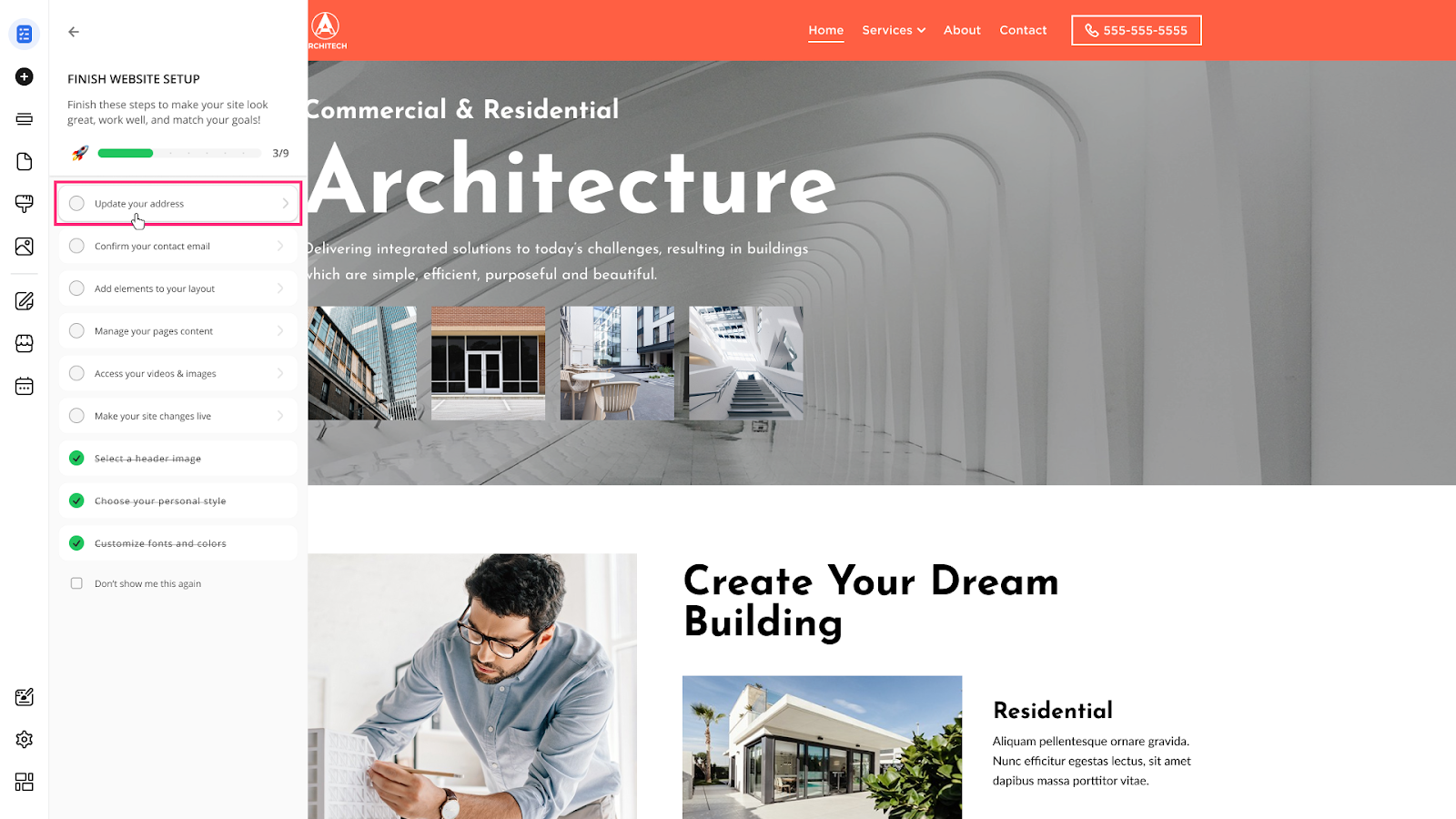
- Click the Update your address step to proceed to the Contacts section or address in the Footer and save your official contact or business address:
- Click the Confirm your contact email step to proceed to the Contact Form and review the email address associated with the site, or add the additional one:
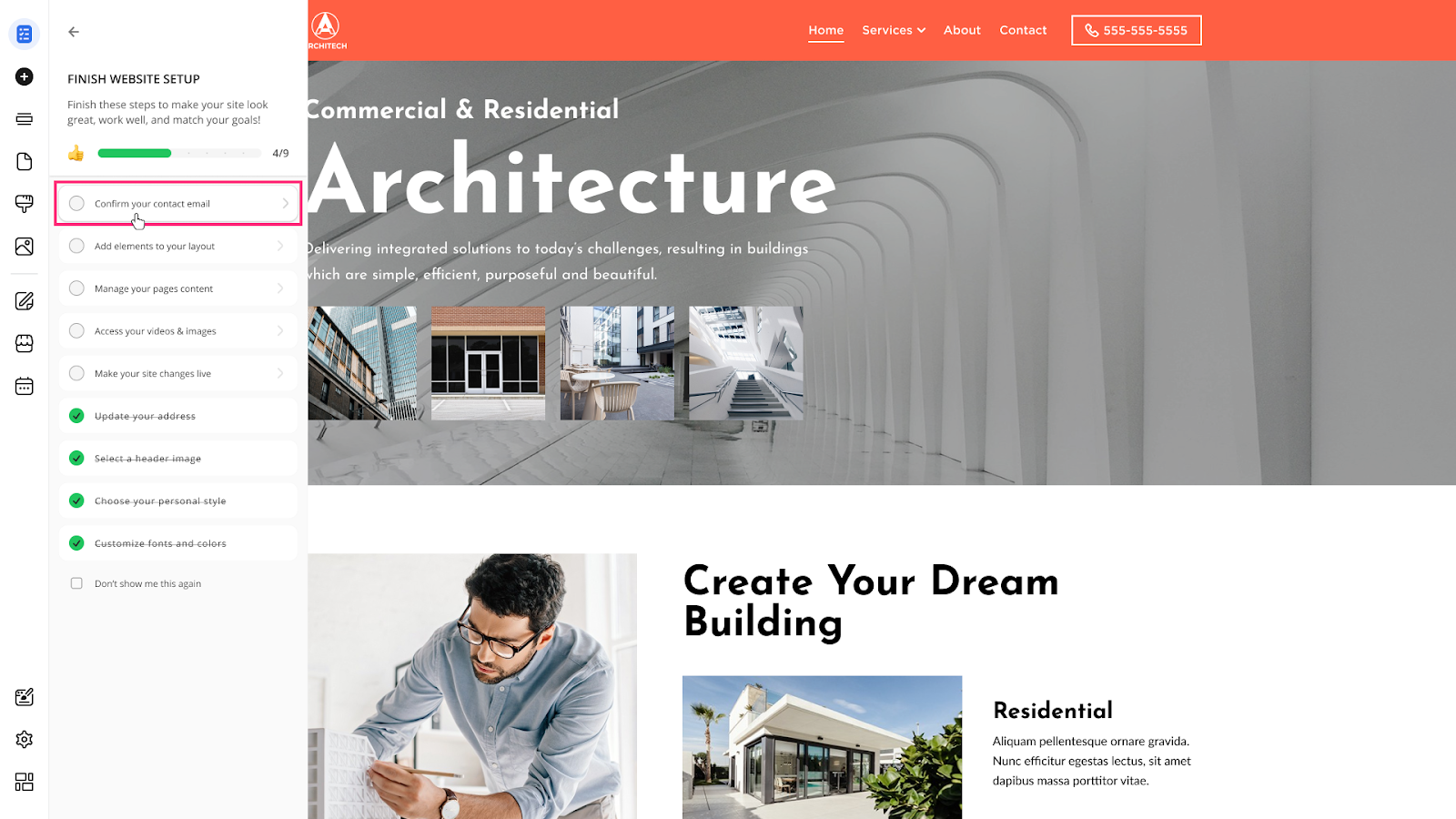
Please Note: If during Website Onboarding you haven’t selected the Contact Form section to be added to the website, this option will not be available in the Post-Onboarding Setup.
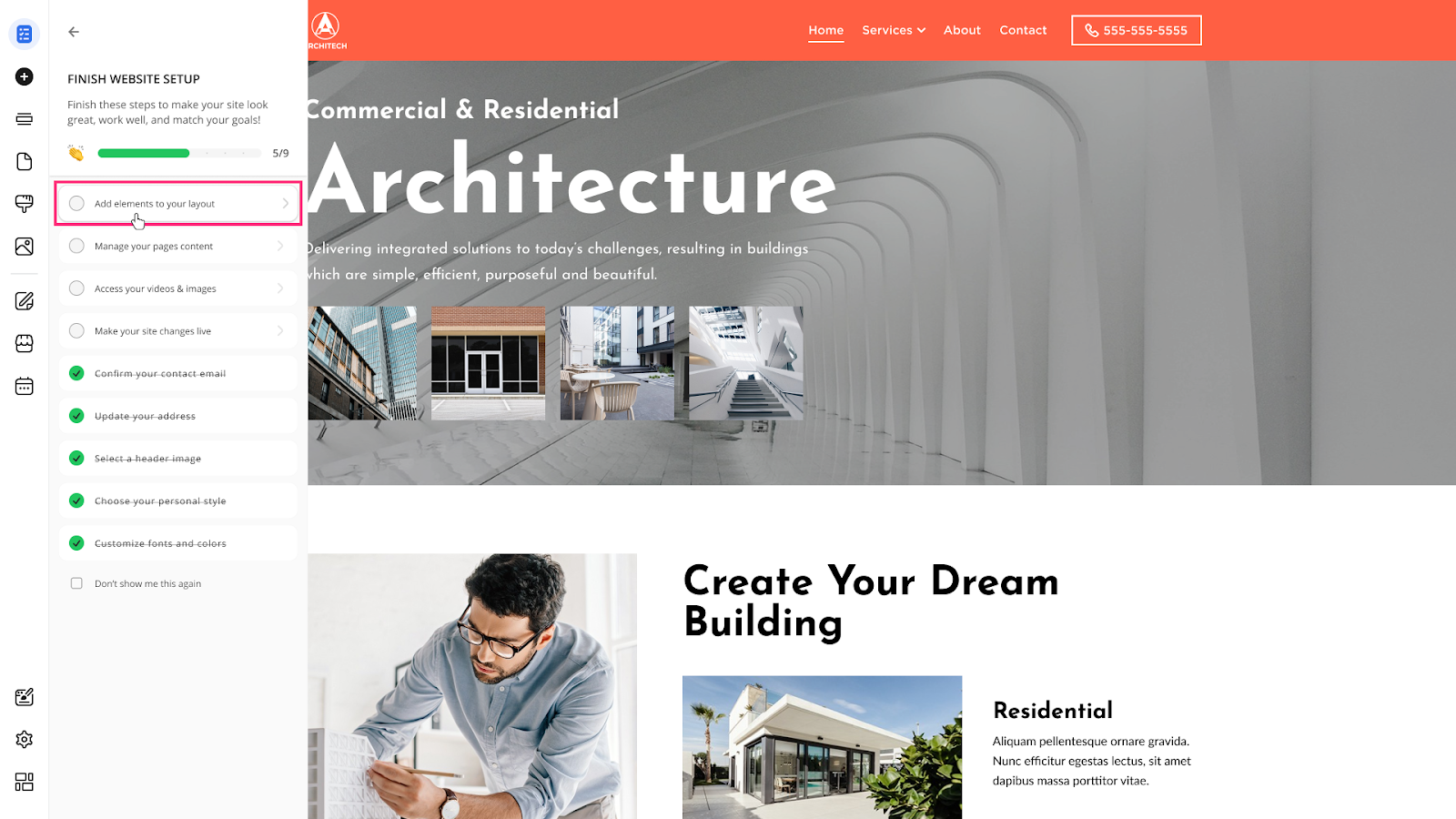
- Click the Add elements to your layout step to access the Elements section and add structural elements to your pages:
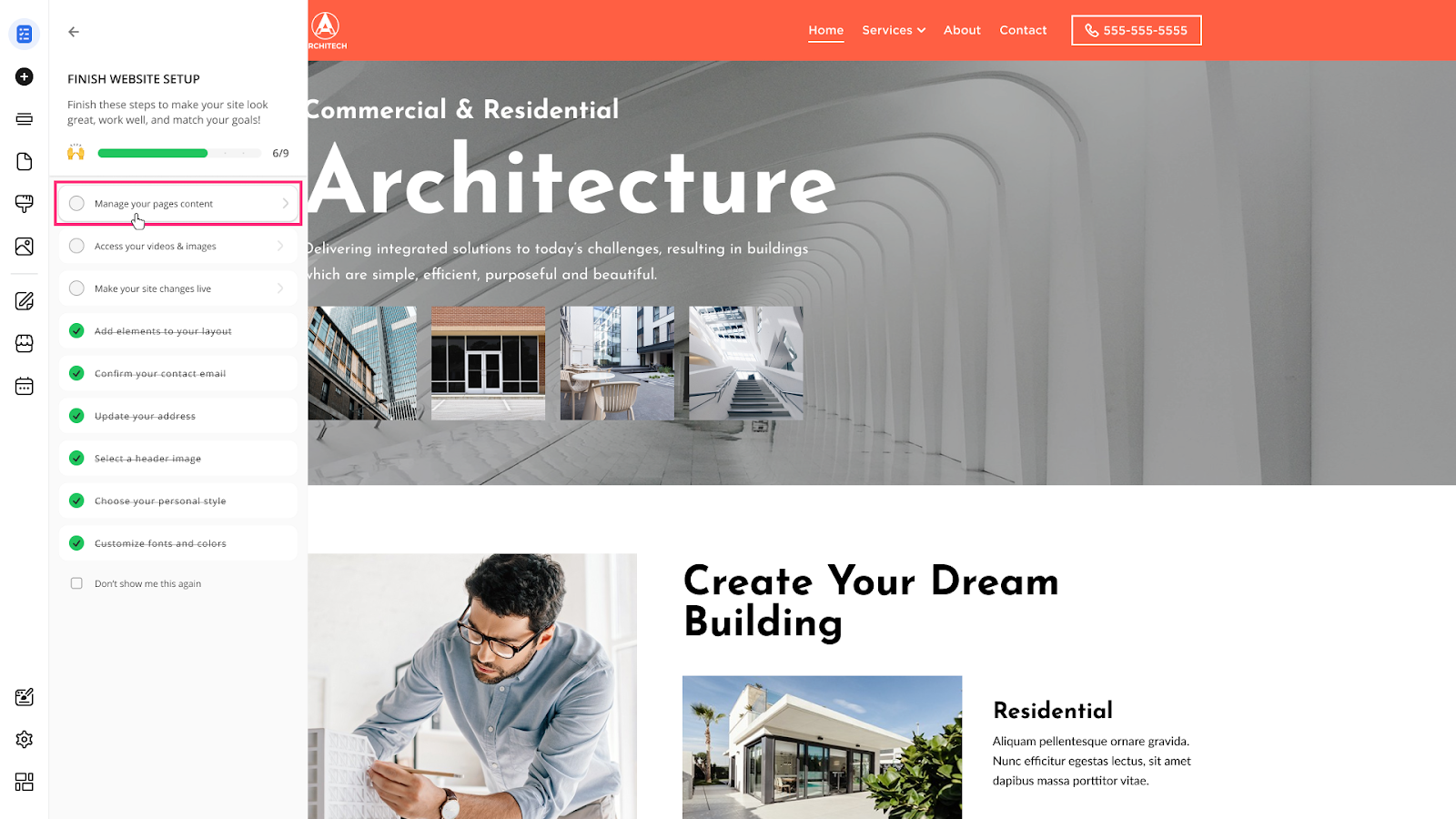
- Click the Manage your pages content step to access the Pages section and manage all previously created pages or create new ones:
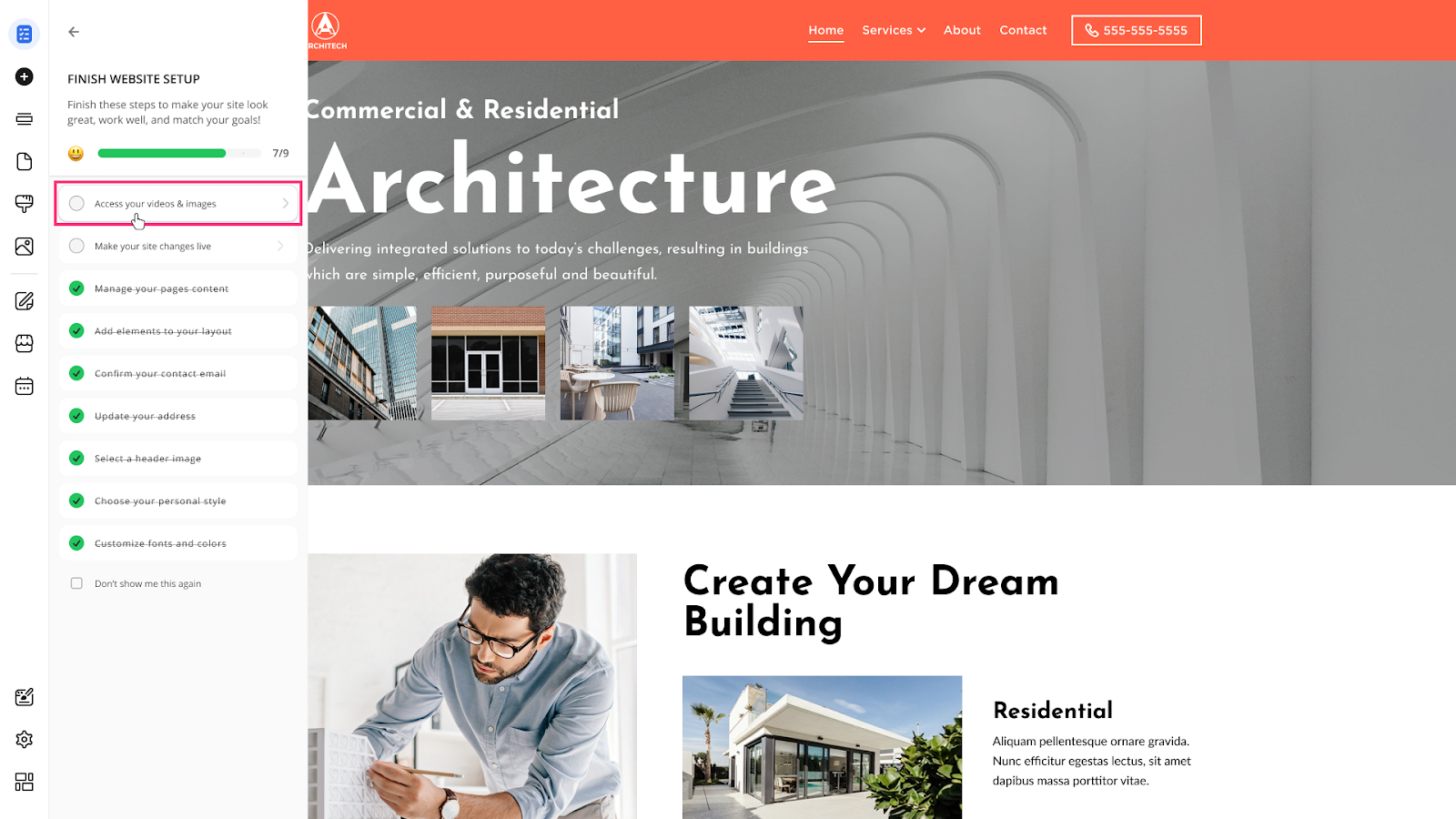
- Click the Access your videos & images step to access the Add Media section and add photos and videos for your website:
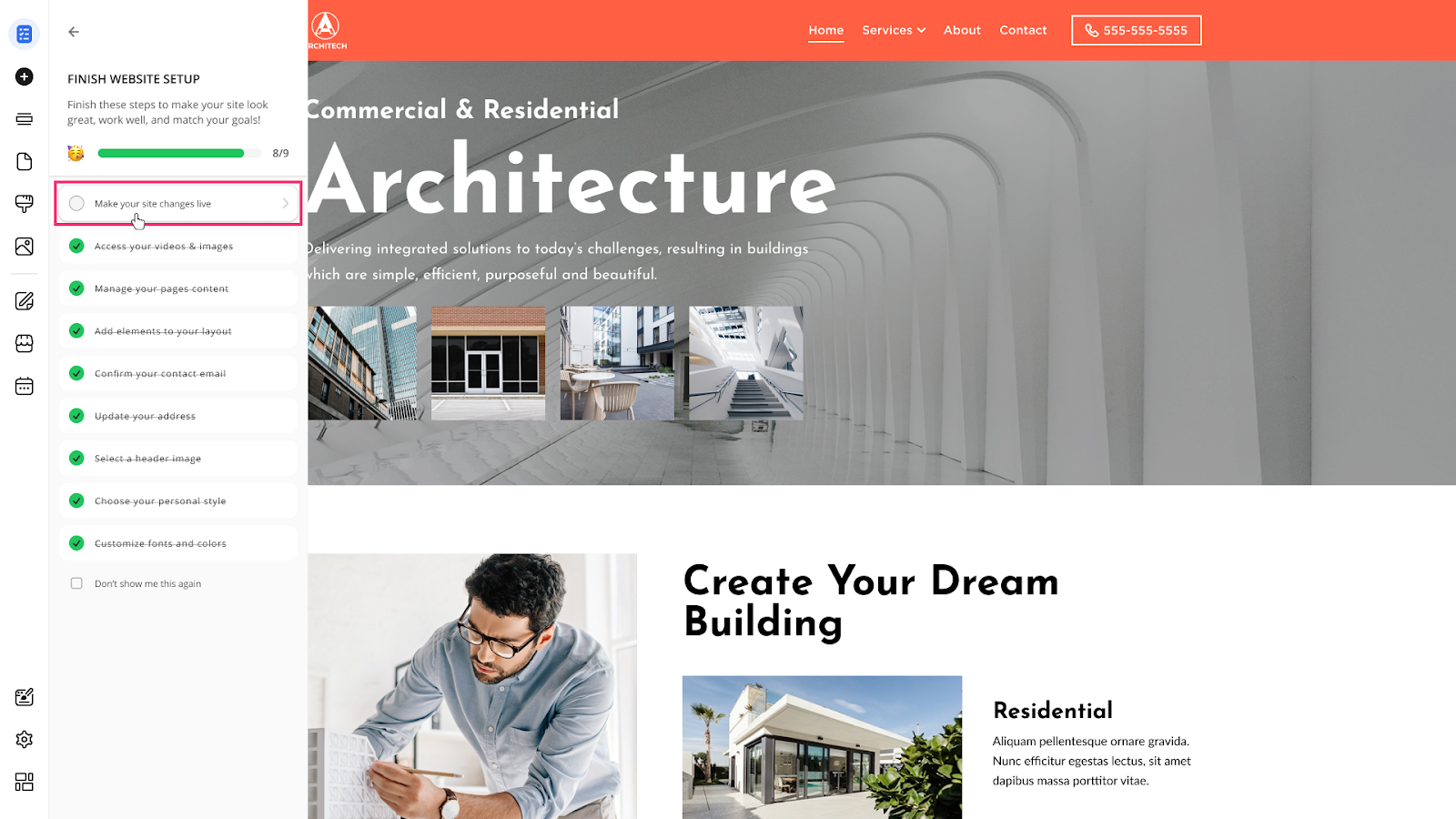
- To publish a website for the first time or update changes, click the Make your site changes live button. The system will use the accumulated changes (address, email, content, and media) to update the live version of your site.
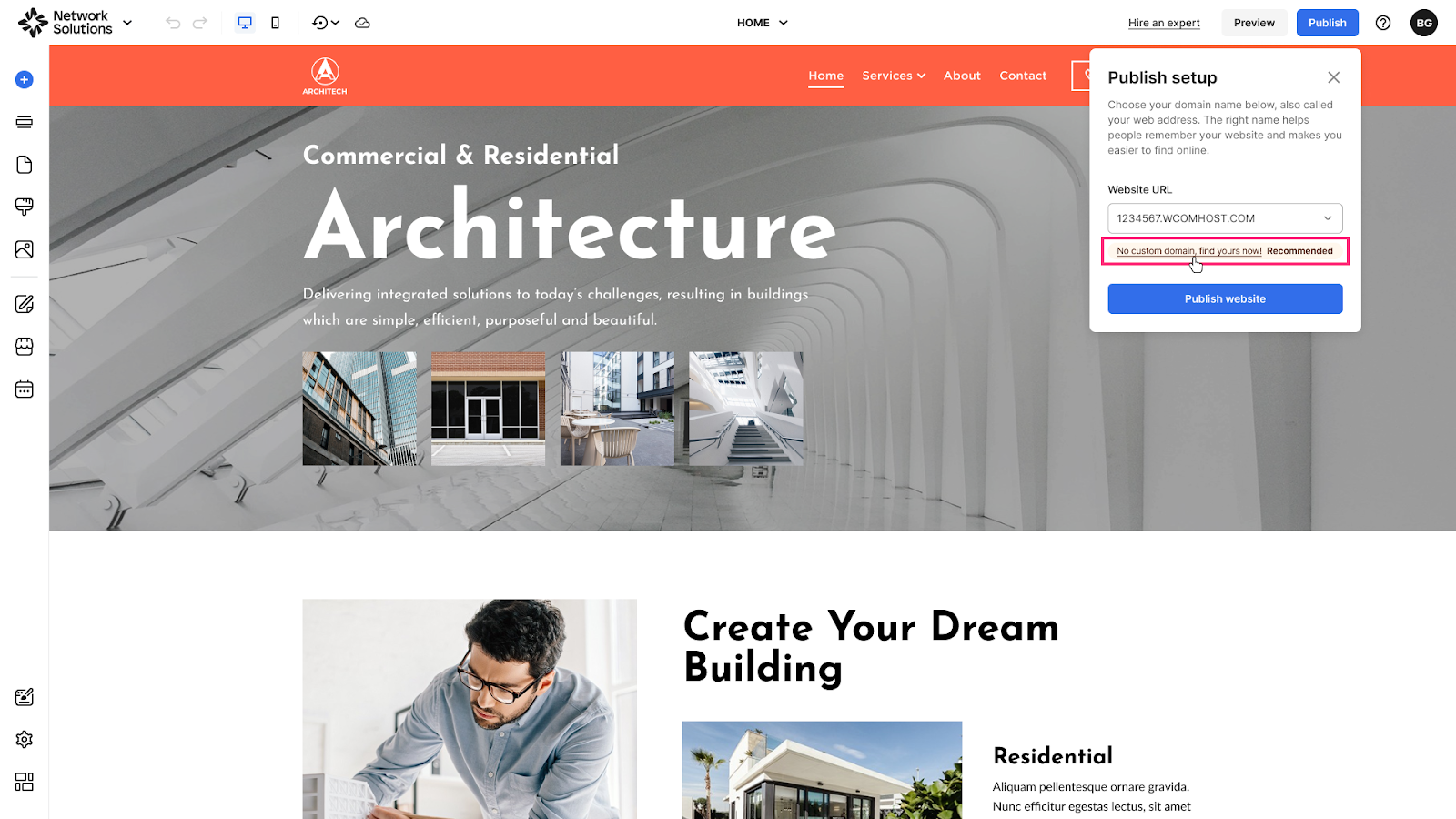
- Use the proposed temporary URL, connect your custom domain, or click an option like No custom domain, find yours now! to purchase a new domain before publishing:
- You can close the Post-Onboarding Setup sidebar by checking the Don't show me this again box. The Post-Onboarding Setup sidebar will be removed once you leave it or switch to another left sidebar section:
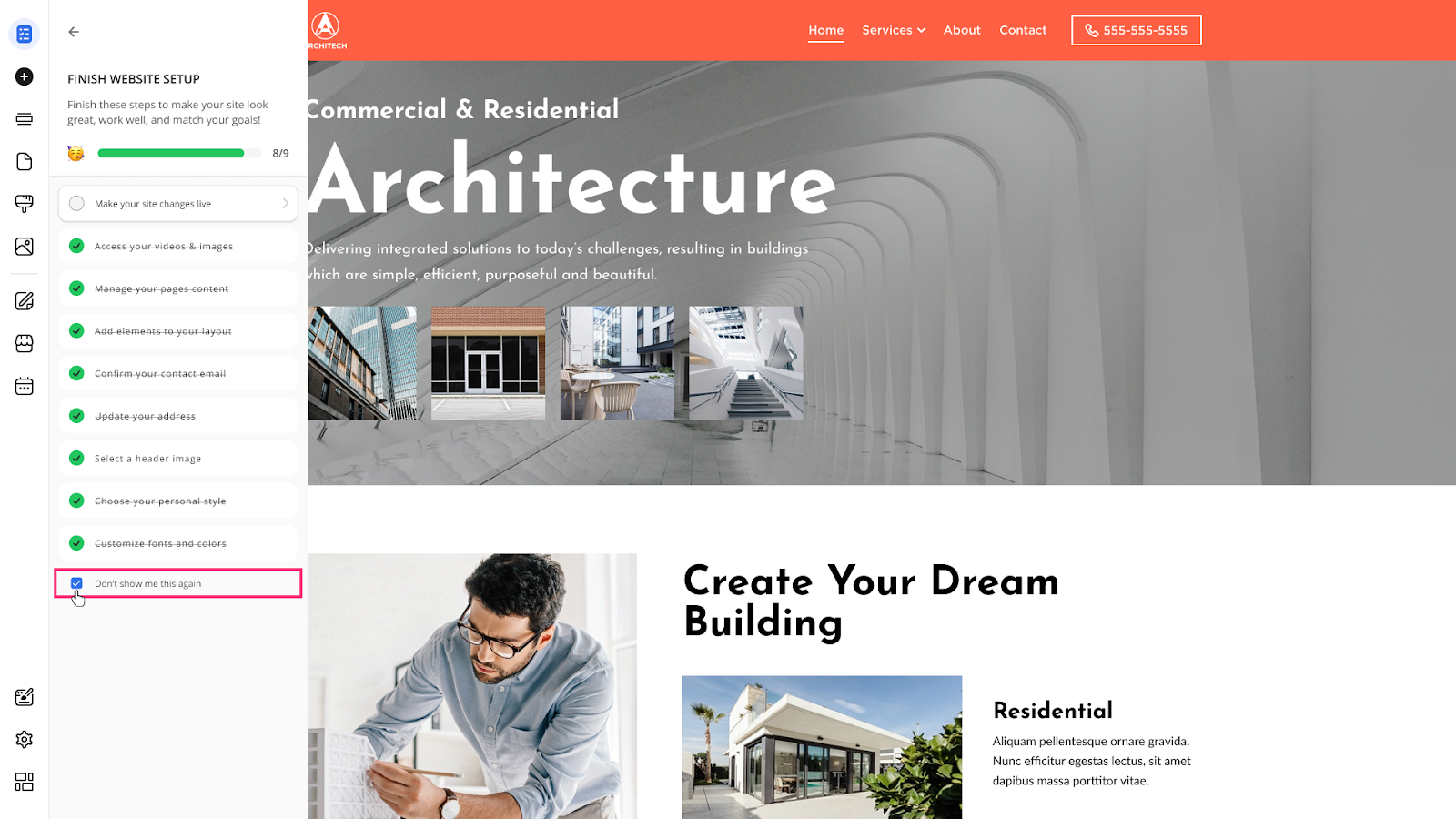
Please Note: You will not be able to access the Post-Onboarding Setup sidebar again if the Don't show me this again box is checked.